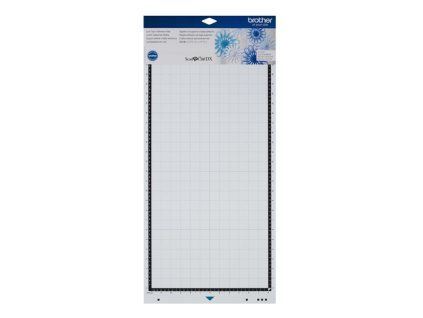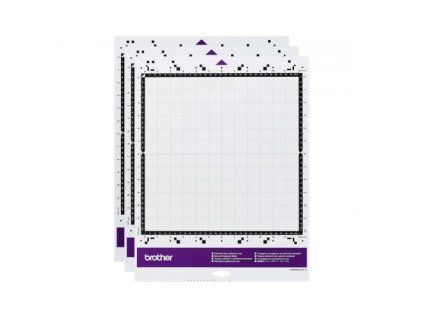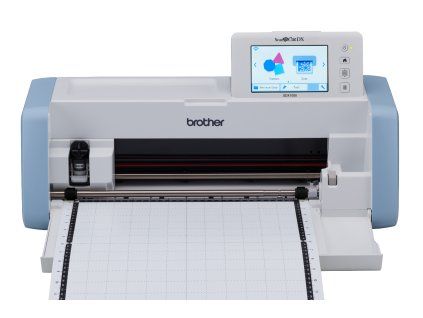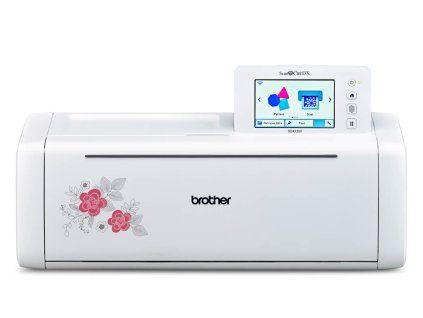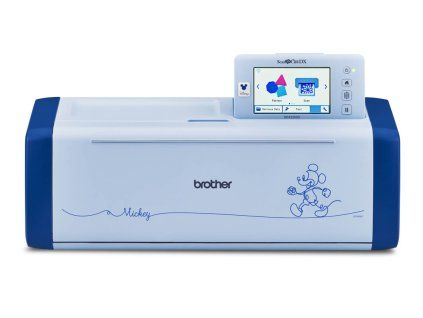
Brother Bellisimo CT1
Code: CT1


Related products
This mat features an improved, special adhesive layer. The material prevents shifting when cutting fabrics and cardstock. The mat is durable and retains its adhesiveness over...
This mat has an improved special adhesive layer. The material prevents shifting during cutting and separated residues can be easily removed. The mat is durable and has...
A cutting mat for Brother SDX 1000 and SDX 1200 cutting plotters, designed for cutting standard materials such as fabric, scrapbook paper, and more. After each use, the adhesive...
This mat has an improved special adhesive layer. The material prevents shifting during cutting and separated residues can be easily removed. The mat is durable and has...
A great-value set of three standard 12x12-inch mats. The mat features an improved, special adhesive layer that prevents shifting when cutting fabrics or cardstock. It is durable...
Low-adhesive intermediate mat measuring 30x30 cm. It serves as a protective layer for the basic large mat, which is part of the ScanNCut plotter accessories.
Medium adhesive intermediate mat measuring 30x30 cm. It serves as a protective layer for the basic large mat, which is part of the ScanNCut plotter accessories.
Extremely adhesive intermediate mat measuring 30x30 cm. It serves as a protective layer for the basic large pad, which is part of the ScanNCut plotter accessories.
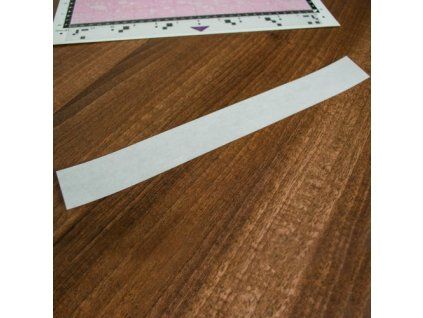
Calibration strip for Brother SDX plotters, size 30.5 x 3.5 cm.
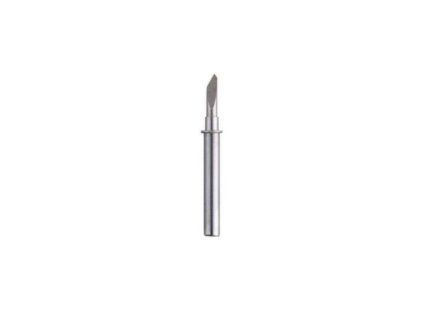
Blade designed for standard Brother ScanNCut plotters.
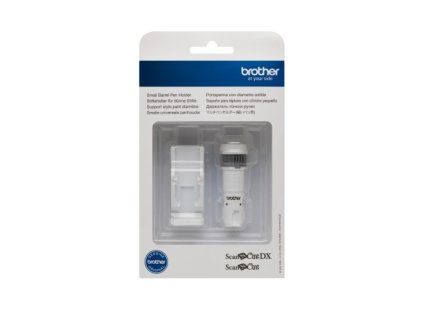
The automatic blade holder is designed for the Brother Bellissimo CT1 cutting plotter. It is compatible with the standard blade designated CABLDP1.
You can insert any thin felt-tip pen or ballpoint pen with a diameter of 7.8–9.6 mm into this holder.
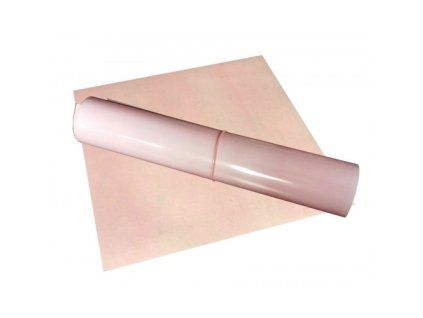
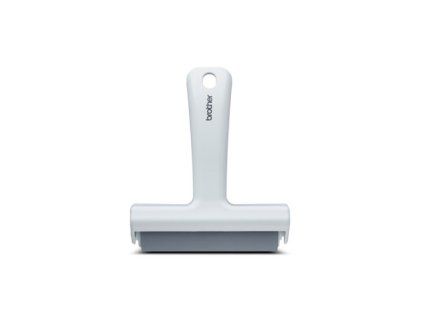
The soft rubber roller for the Brother cutting plotter is used to evenly attach the material to the base. It is also used to easily smooth cut self-adhesive films.
Auxiliary tools for working with a plotter.
An optional accessory for use with the plotter. It is used to smooth out applied materials and remove unwanted scraps from the adhesive mat. Suitable for all Brother ScanNCut...
Double-sided iron-on spider web for iron-on fabric applications. Spider web in the size 92 x 47 cm for all Brother ScanNCut cutting plotters.
Product detailed description
No product's description available
Additional parameters
| Category: | Brother cutting plotters |
|---|---|
| Warranty: | 24 months |
| EAN: | 4977766848671 |
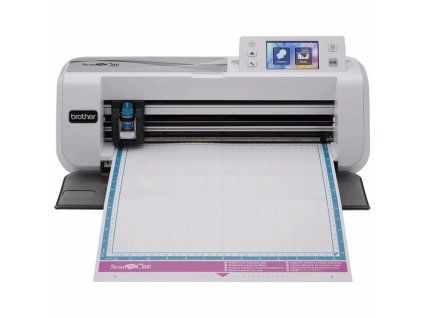
The Brother ScanNCut CM 300 cutting plotter is a cutting plotter from the Brother brand. It is a household cutting plotter with a built-in scanner and the ability to connect to...
Cutting plotter with a cutting depth of 3 mm and the ability to cut foils up to 30x180 cm.
The Brother ScanNCut SDX 1000 cutting plotter knows everything the CM700 did and more!
Cutting plotter with auto knife, rotary auto knife and 3mm cutting depth. This plotter offers 600dpi scanning, direct cutting and cutting from PES embroidery files.
The cutting plotter with auto knife, rotary auto knife and 3mm cutting depth offers 600dpi scanning, direct cutting, cutting from PES embroidery files and even Disney designs!
Brother Bellissimo – connecting to Artspira
Brother Bellissimo – creating your own design in Artspira
Brother Bellissimo – get 100 exclusive designs!
Brother Bellissimo – how to calibrate for better sticker output
Brother Bellissimo – how to make stickers
Brother Bellissimo – how to use Brother's cutting mats
Brother Bellissimo – how to use the Feed Supporter to feed curled materials
Brother Bellissimo – installing Artspira
Brother Bellissimo – installing the auto blade holder
Brother Bellissimo – loading materials without a mat
Brother Bellissimo – matless perforation cutting
Brother Bellissimo – more support
Brother Bellissimo – performing a test cut
Brother Bellissimo – preparing to cut
Brother Bellissimo – setting up your new machine
Brother Bellissimo – time to try drawing
Brother Bellissimo – troubleshooting: blade is not cutting
Brother Bellissimo – troubleshooting: Bluetooth connection loss
Brother Bellissimo – troubleshooting: cannot recognise the alignment marks
Brother Bellissimo – troubleshooting: firmware update
Brother Bellissimo – troubleshooting: insert materials correctly
Brother Bellissimo – troubleshooting: material is sticking to the cutting mat
Brother Bellissimo – troubleshooting: material jams
Brother Bellissimo – troubleshooting: pen is not drawing properly
Brother Bellissimo – using Artspira
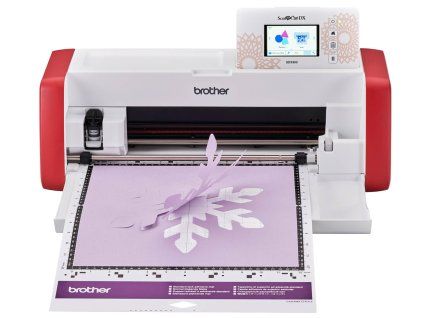
Brother Bellissimo CT1 cutting machine
How to Bellissimo
Discussion
Be the first who will post an article to this item!